1. First, your customer will sign in to your website. Their page will look like the one shown here:
2. They should scroll to the bottom of the page and click Full History.

4. They will need to scroll to the bottom again and click Download as PDF.

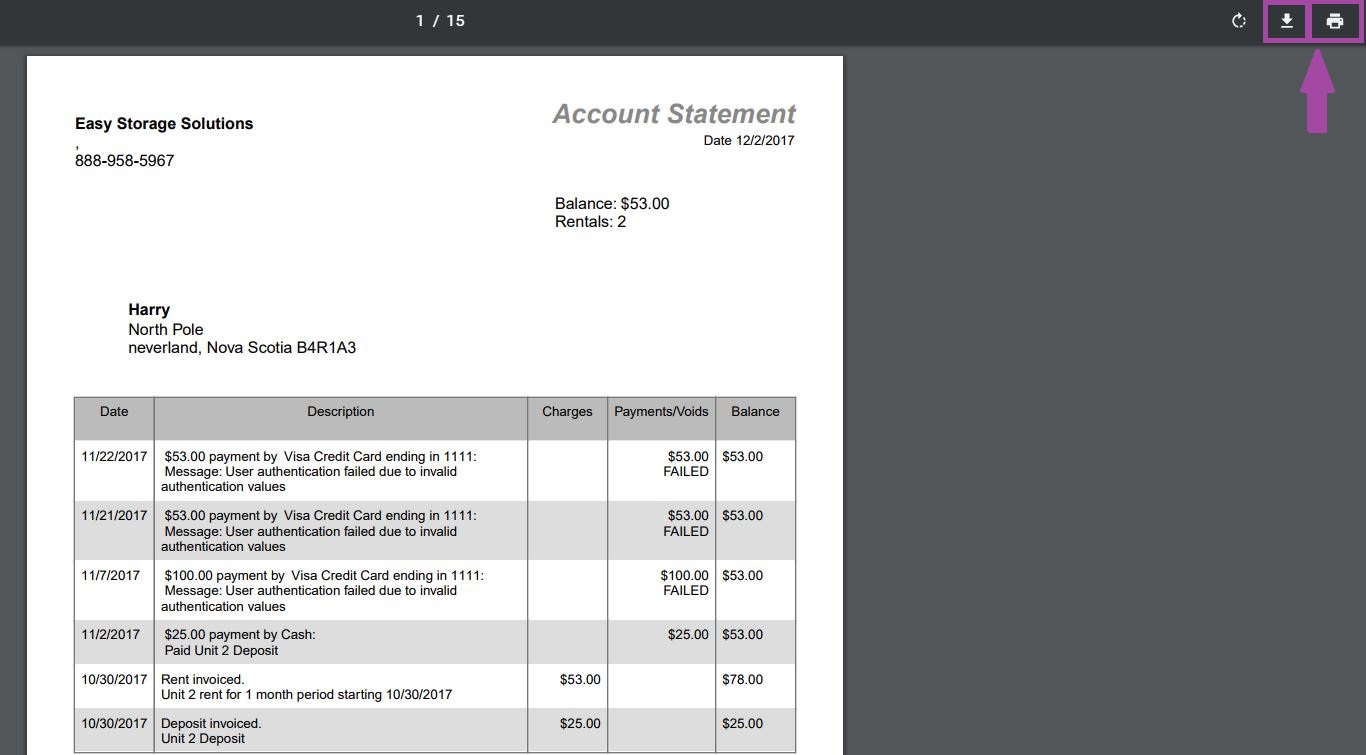
5. The history will open in a new screen as a PDF. (If the customer is using Explorer, the PDF will likely download to the bottom of their screen.) If the customer hovers their mouse over the top, a bar will appear from which they can download the document to their computer or print it.